Apple’s 9th-gen iPad doesn’t change much — and that’s not a bad thing
14/05/2024Editors’ note, Nov. 1, 2023: It’s 2023. Apple hasn’t released any new iPads all year. Apple is likely to make refreshes across the lineup next year, which is why I recommend waiting on buying any iPad at all. While Apple’s 10th-gen basic iPad has USB-C, a better processor, a larger screen, better-positioned front camera, newer keyboard case options, and it works with the newer low-cost Pencil introduced recently, it’s also more expensive. Until we know what 2024’s models might be, I lean towards recommending the least-expensive iPad (which is the 9th-gen) for kids and anyone who wants a basic tablet. If you want to spend more, consider the 10th-gen model, or an M1-equipped iPad Air if it’s on sale.
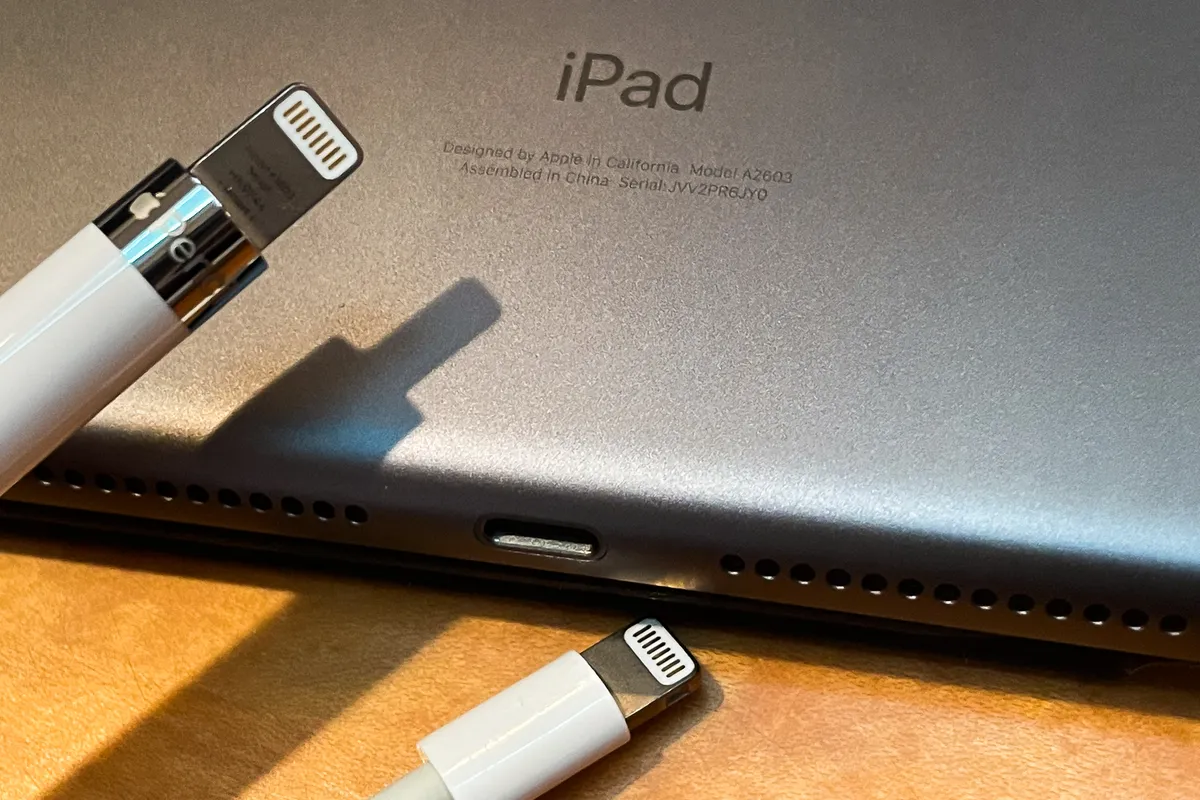
The 9th-gen iPad isn’t new. It isn’t fancy. It has a big old circular home button. It still has big bezels around the screen. There’s no USB-C. No Magic Keyboard or newer Pencil support. But I’m OK with that, for its price, and you or your kids might be, too.
I wrote this review on the new ninth-gen iPad. I’m able to do this because the iPad allows connections to keyboard cases, like the Apple smart keyboard cover I’m using to write this. It’s not as good as the Magic Keyboard for iPad Pro and Air, but it’s good enough (and costs less). And good enough is exactly what the ninth-gen iPad is: In fact, compared with all other iPads right now, it still covers all the bases just fine. Let me explain.
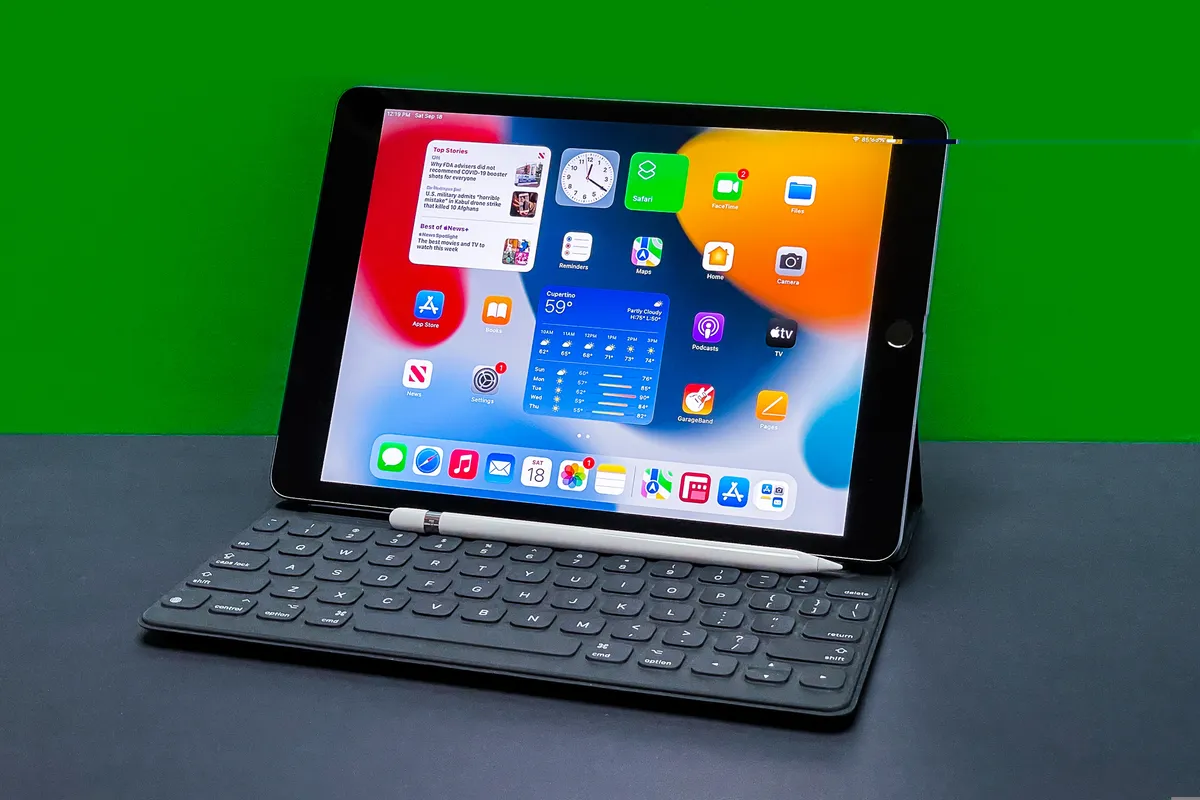
iPads are secondary devices for most people. Maybe even tertiary devices. After phones and laptops, of course. But they’re also pretty essential and useful for a lot of people. Families, kids. That’s why budget factors heavily into iPad purchases. In that regard, the basic iPad (still called “iPad” on the box) should be your default pick. Right now, Apple has two basic iPads: the 10th-gen model, and this one. The 10th-gen is more future-proof, but the 9th-gen costs less. It’s inexpensive but still versatile: This iPad works with the Apple Pencil for sketching (although it’s the first-gen Pencil) and with keyboard cases (although not the Magic Keyboard), and has a big enough screen to feel laptoplike (unlike the Mini, which is lovely but expensive and for me, too small). And there’s more storage, which helps.
The lowest-priced iPad has always been a trickle-down device, gradually getting upgrades other iPads got years ago. The same is true here: a new A13 processor, a zooming-in Center Stage camera that the iPad Pro got this spring and True Tone on the display for ambient color temperature adjustments. This iPad may eventually disappear from Apple’s lineup, to be replaced by the 10th gen iPad released in 2022, but for now it’s the safest low-cost iPad purchase if you don’t want to spend a lot on something else. You could spend more on the 10th-gen model, too, but that model ends up going up above $500 for the accessories and storage you’d likely need.
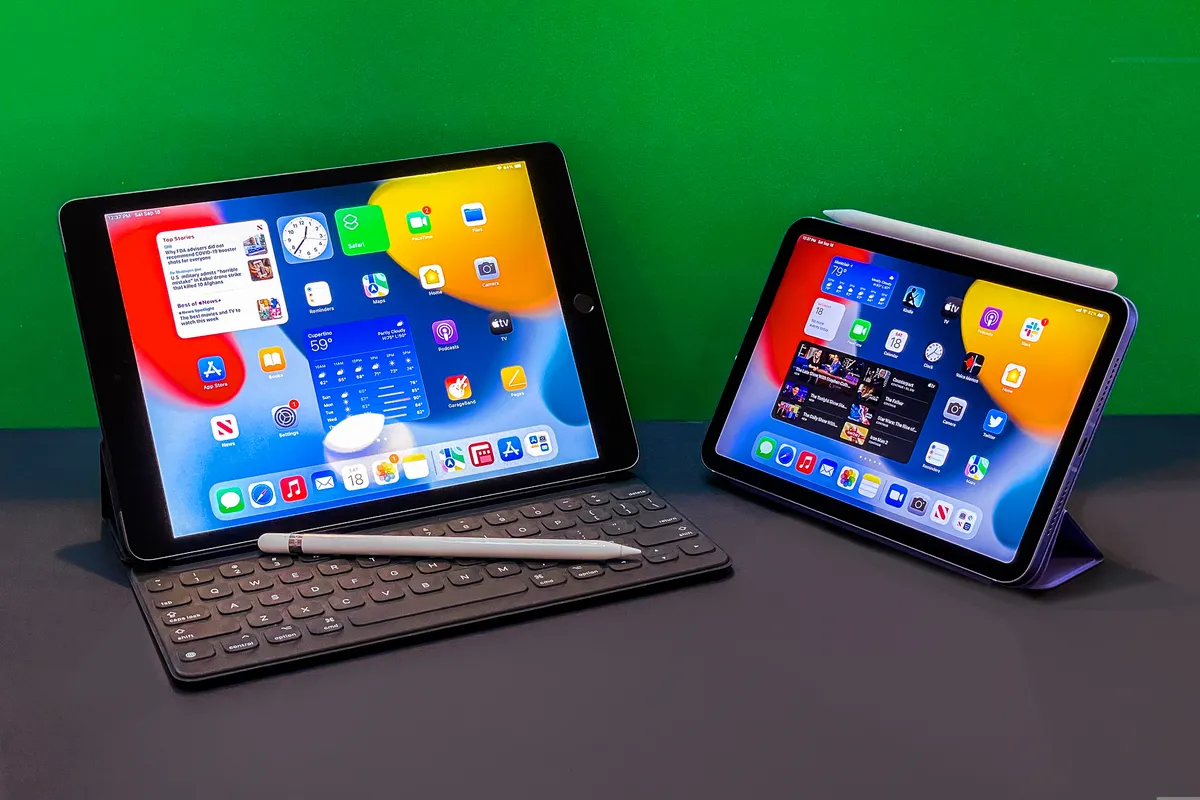
Design: The same
It looks exactly the same as last year. It has that old circle Touch ID button. It still uses Lightning, not USB-C. And, you know what? It’s fine. It works with last year’s iPad cases. And it’s the last iPad on Earth that has a real headphone jack. And its starting price is the same. But Apple’s bumped the storage up, finally, with 64GB on the $329 (£319, AU$499) version — you could survive with that, just about — and 256GB on the $479 version, which I’d recommend without a doubt if you’re planning to download any movies for travel, or any content-making apps.
If you didn’t have any big emotions about last year’s iPad, this year’s basic model won’t wow. It would be nice to have less bezel, switch away from Lightning and also, to have stereo speakers. (Sound only comes out of one side of the iPad in landscape mode, like always, but the fancier iPads fix that. Answer: Deal with it or use headphones.)
Pencil support is fine, but that older Pencil has nowhere to go unless you buy a case that has a loop to hold it (those do exist, like Logitech’s keyboard folios). And the front-facing camera is still stuck on the side in landscape mode, which is how you’ll have it set up for laptop-style use.